
Full Guide
01
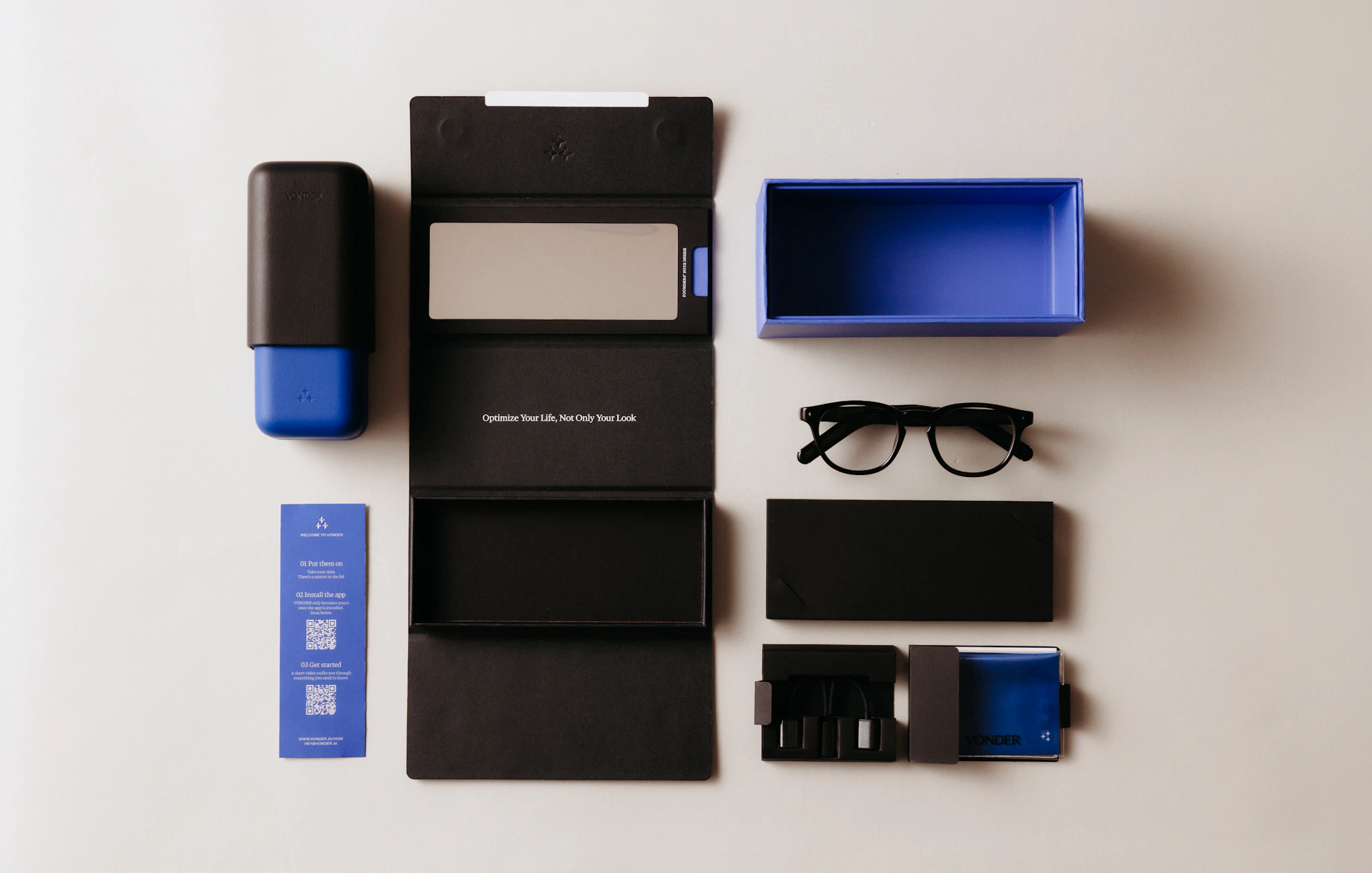
What's included
02
Download the VONDER app
- 01
Search VONDER in the App Store or Google Play.
Or scan the QR codes:
Made for: iPhone 17e, iPhone 17 Pro Max, iPhone 17 Pro, iPhone Air, iPhone 17, iPhone 16e, iPhone 16 Pro Max, iPhone 16 Pro, iPhone 16 Plus, iPhone 16, iPhone 15 Pro Max, iPhone 15 Pro, iPhone 15 Plus, iPhone 15, iPhone 14 Pro Max, iPhone 14 Pro, iPhone 14 Plus, iPhone 14, iPhone SE (3rd generation), iPhone 13 Pro Max, iPhone 13 Pro, iPhone 13, iPhone 13 mini, iPhone 12 Pro Max, iPhone 12 Pro, iPhone 12, iPhone 12 mini
Use of the Made for Apple badge means that an accessory has been designed to connect specifically to the Apple product(s) identified in the badge and has been certified by the developer to meet Apple performance standards. Apple is not responsible for the operation of this device or its compliance with safety and regulatory standards.
Apple and iPhone are trademarks of Apple Inc., registered in the U.S. and other countries and regions. The trademark “iPhone” is used in Japan with a license from Aiphone K.K.

- 02
Open the app and create an account, or sign in.
- 03
Your notes and summaries also live in the browser at app.vonder.ai.


03
Charging
Charge your intelligent eyewear before you use it for the first time. Both temple arms carry their own battery, so both ends of the magnetic connector must be attached.

04
Onboarding & pairing

05
Controls
Everything on VONDER lives on the frame and the two temple arms. Two switches, one touch button, one wake area — and your voice.
Say “Hey VONDER” to wake your assistant, then speak naturally.
Or double-tap the Chat Wake Zone on the right temple to start a conversation silently — double-tap again to end.
Switches
Power switch: inner side of the right temple. Forward is on, back is off.
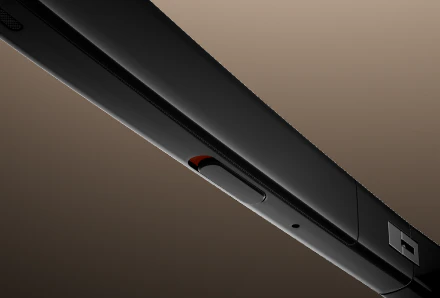
Meeting switch: underside of the left temple. Forward starts Meeting notetaking; back returns to All-day Autopilot mode — turn it on in the app.
TOUCH GESTURES
The touch button is on the right temple, underneath.
GESTURE | MUSIC AND AUDIO | CALLS |
|---|---|---|
Tap once | Play/Pause | Answer or answer and hold the call you're on |
Tap Twice | Next Track | Reject, or hang up |
Tap three times | Previous track | -- |
Swipe forward / back | Volume up / down | Volume up / down |
Feature explained
Personal Memory Graph
Your Personal Memory Graph visualizes the context VONDER has built from your conversations, ideas, and experiences.

Feature explained
Privacy
Sitting down with a therapist. Meeting a new client for the first time. A dinner with old friends where you'd rather not have anything captured at all. The moments where knowing exactly what VONDER is doing — and choosing it, plainly — matters most.

Feature explained
Feed
A feed that knows you. News, Meeting Preview, Reflect, and Discovery.
Tuned for you, drawn from your calendar, your memory, and the web.
Tap Ask VONDER on any card to bring a story into your Memory Graph.

Feature explained
Chat
Walking to lunch and something clicks. Halfway through drafting, needing a sanity check. On a run, wanting to talk through a problem out loud. Chat is for the moments a question is easier said than typed.

Feature Explained
Journal
Capture a thought. Summarize a conversation. Return to it later. Two ways to record — you choose which.
Notes
For a meeting or conversation, slide the Meeting switch on the left temple forward. Tell the room first.
For all-day capture of only your own voice, turn on All-day Autopilot in My VONDER › All-day Autopilot Notetaking.
Review or delete notes anytime in the app.

Reminders
Say “Hey VONDER, remind me to call the doctor tomorrow at nine.”
Or open the VONDER app, go to Journal, and add a reminder by hand.
You'll hear or see it when the time or moment arrives.

Activity
Open the Activity view under Journal in the VONDER app.
Choose a day. See talk time, key topics, and decisions made.
Expand any moment to see its source note or meeting.

Feature explained
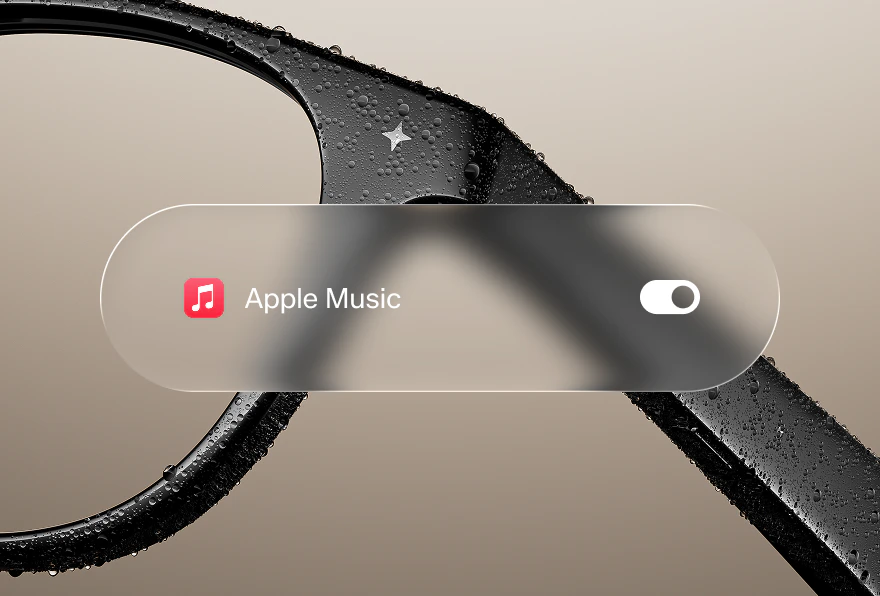
Music & Calls
Connected to your Apple Music. Say “Hey VONDER” to play what matches your preference. Double-tap the touch button to skip.